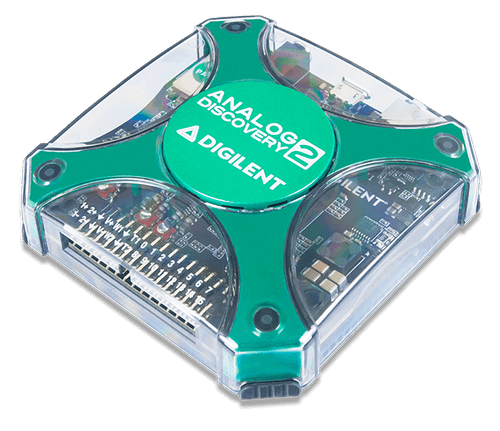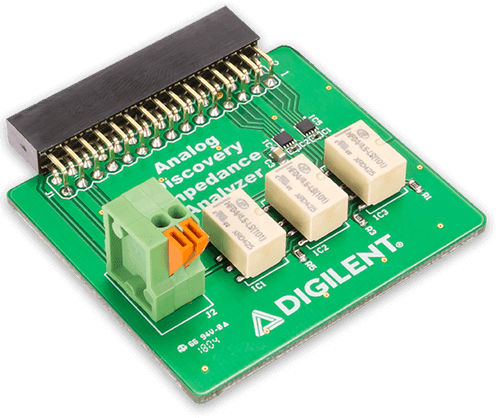


The Interposer Canvas is designed to securely attach an FPGA development board to the Analog Discovery Studio for a complete digital logic test system. When it's time to switch to a different project or lab, swap the magnetically connected Canvas for another without having to disconnect any USB cables or disassemble peripherals on the attached breadboard.
Included on the Interposer Canvas is a USB connection for powering and programming the FPGA board, a 150-position solderless breadboard, and a power rail for prototyping additional circuits. There is also a small breakout board for V+, V-, +12V, -12V, +5V, +3.3V, and Ground. There are 6 green LED indicators to show the status of power supplies.
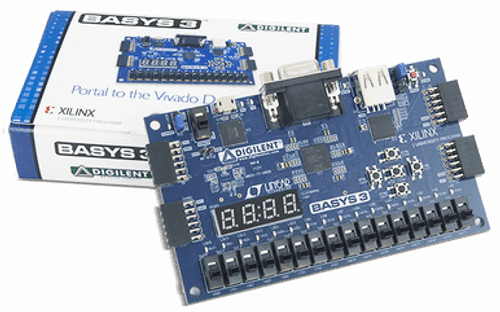
The Interposer Canvas connects to the Analog Discovery Studio via standoffs. Magnets are located within each of the holes that the standoffs slot into in order to hold the Canvas in place. Built into the Interposer Canvas are mounting holes spaced for the Zybo Z7, Arty, Nexys A7 and Basys 3.
For a tutorial, Reference manual and other documentation, view theSupporttab.
- Product Compliance:
- HTC:8537109170
- ECCN:EAR99
- Interposer Canvas
- USB A to micro-B cable
- Standoff kit
The resource center for the Interposer Canvas is the central hub of technical content for the device, and contains everything to get started and reduce mean time to test. This includes a getting started guide, documentation and a link to technical support.
Resource Center